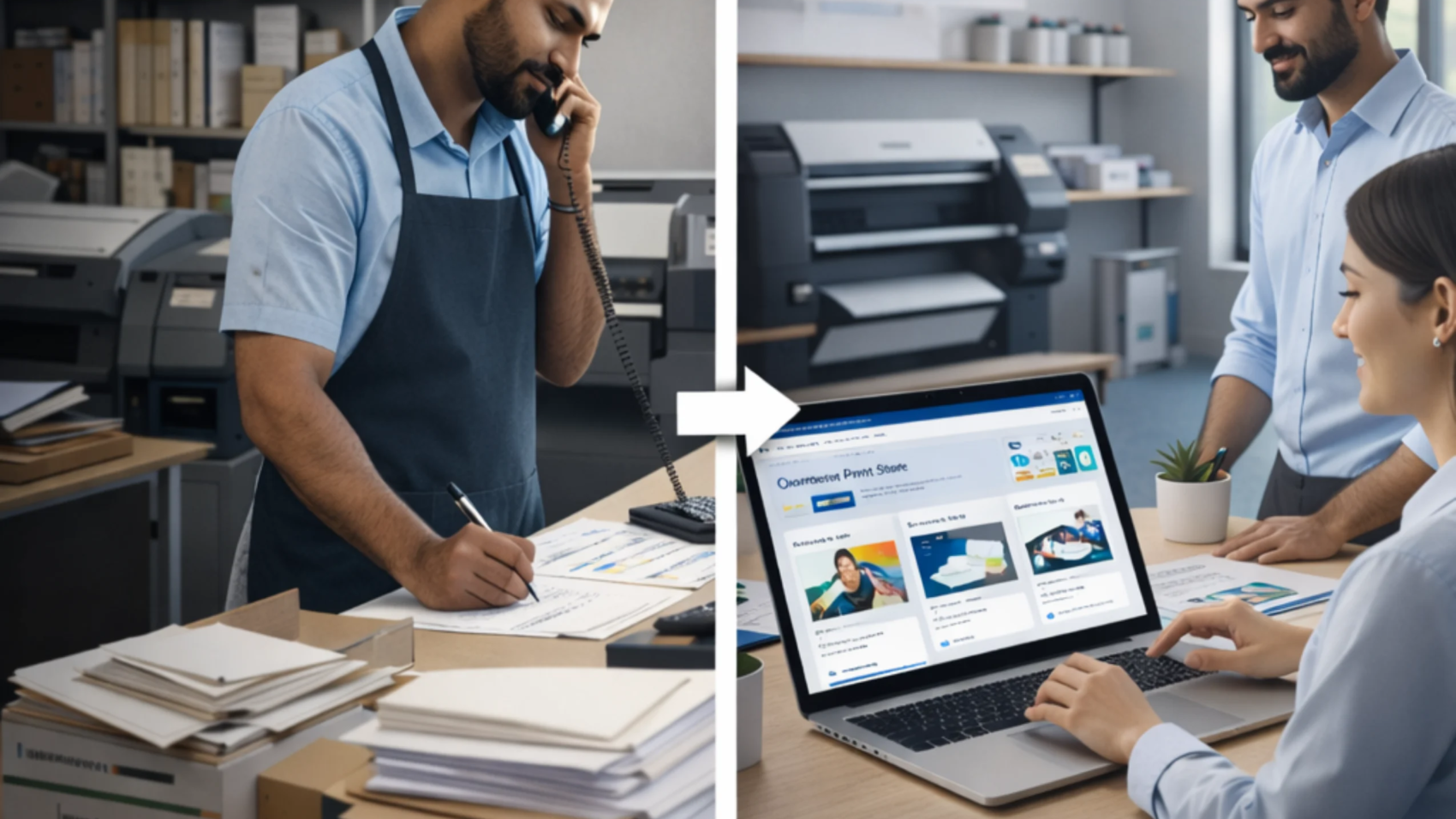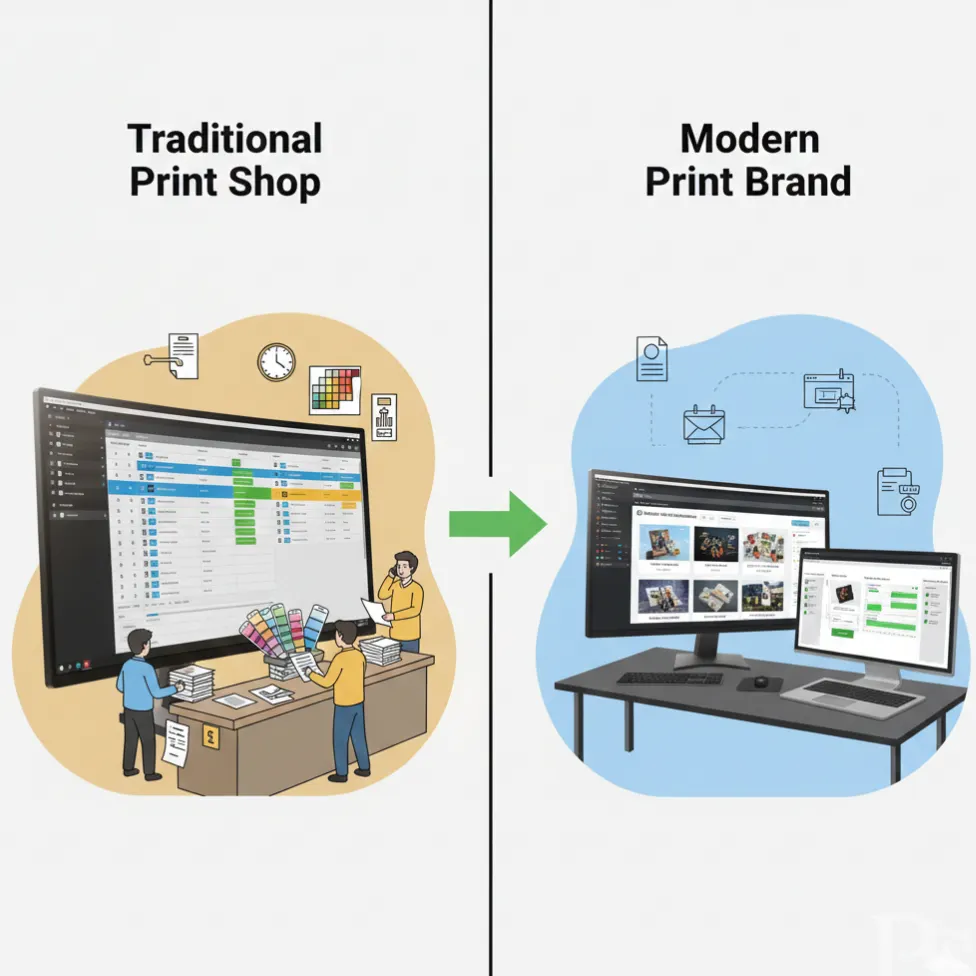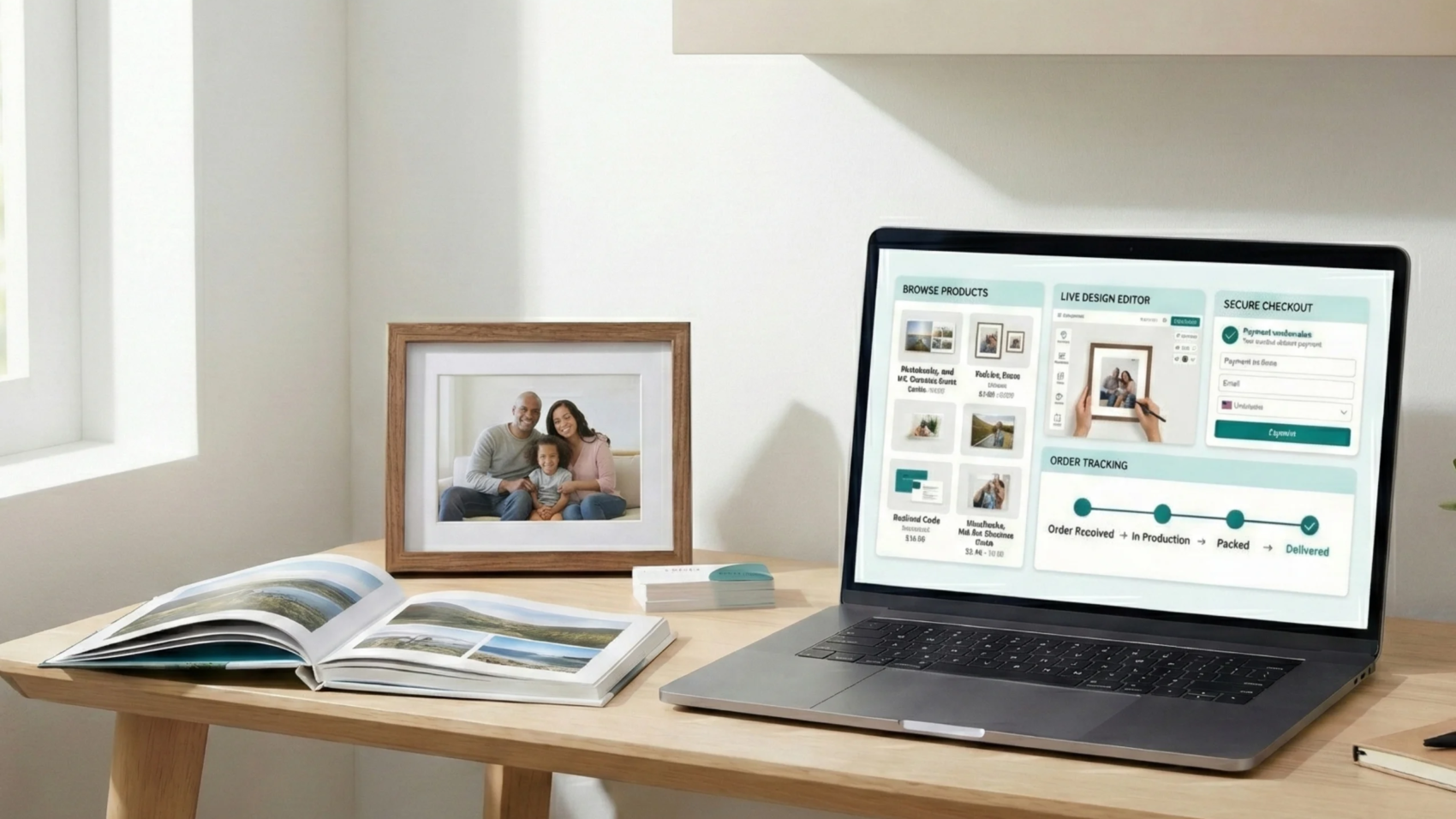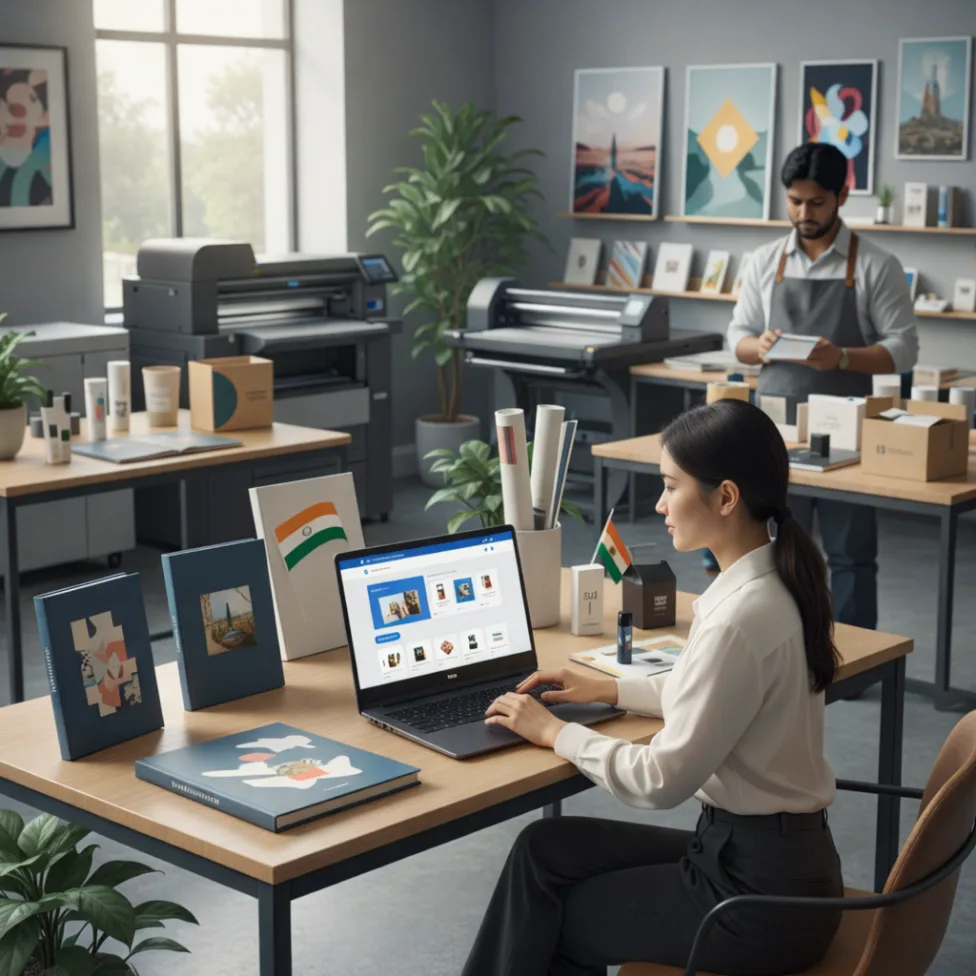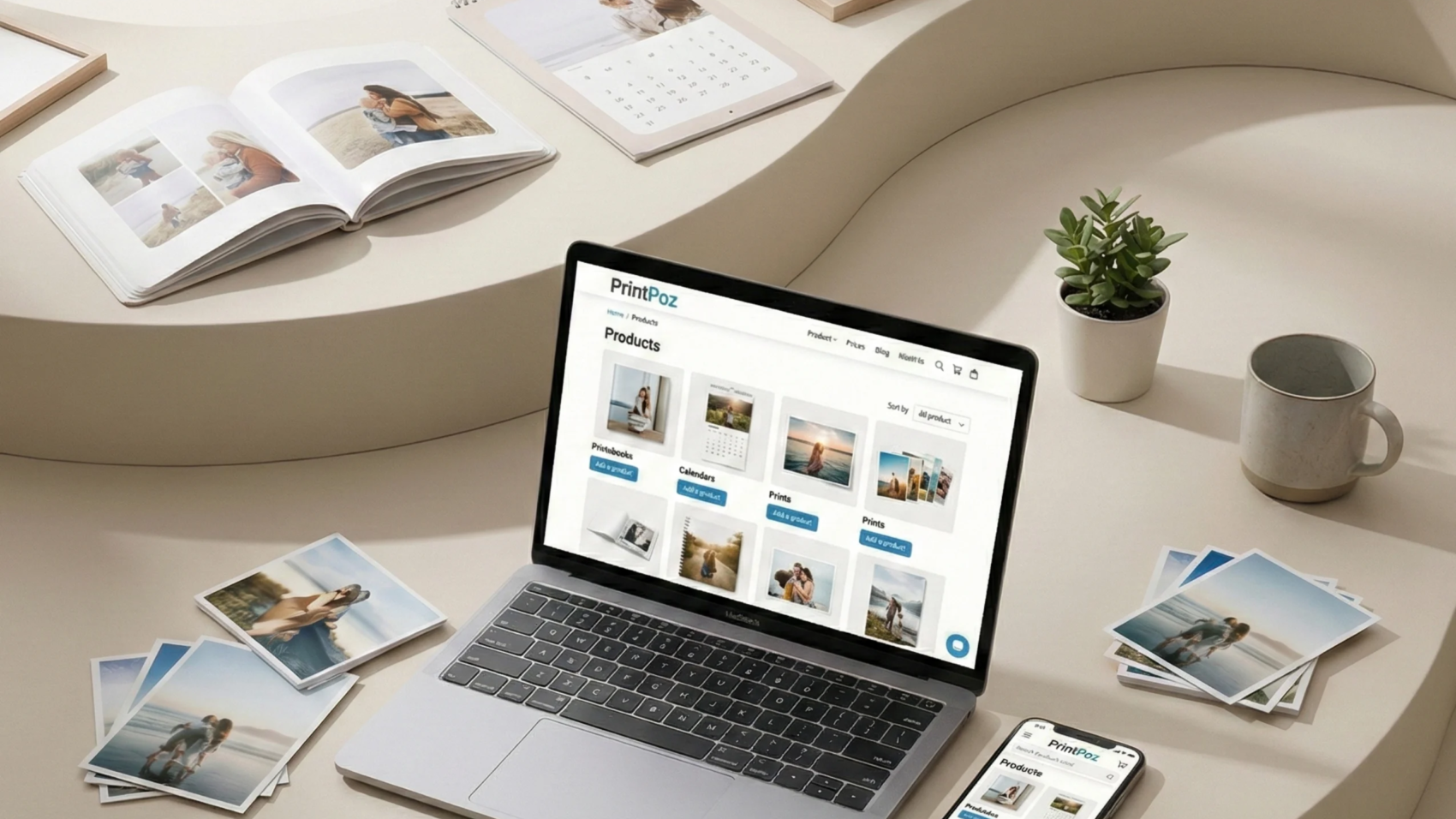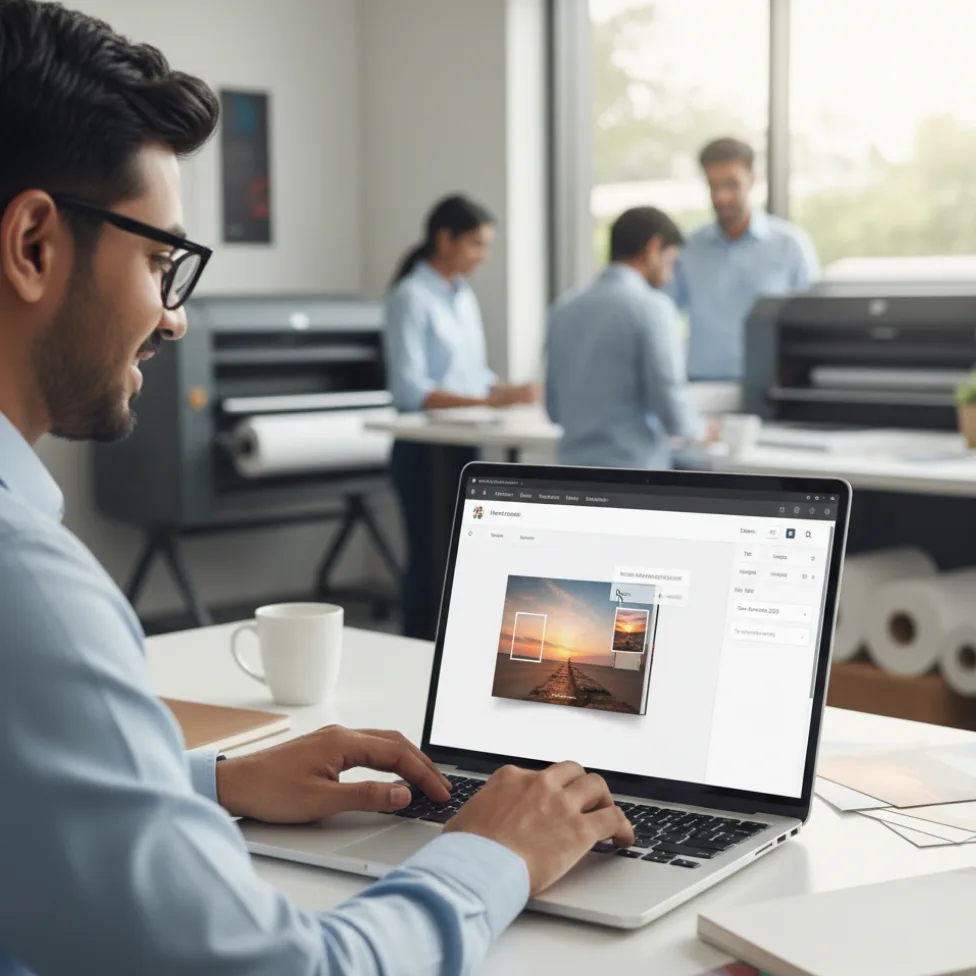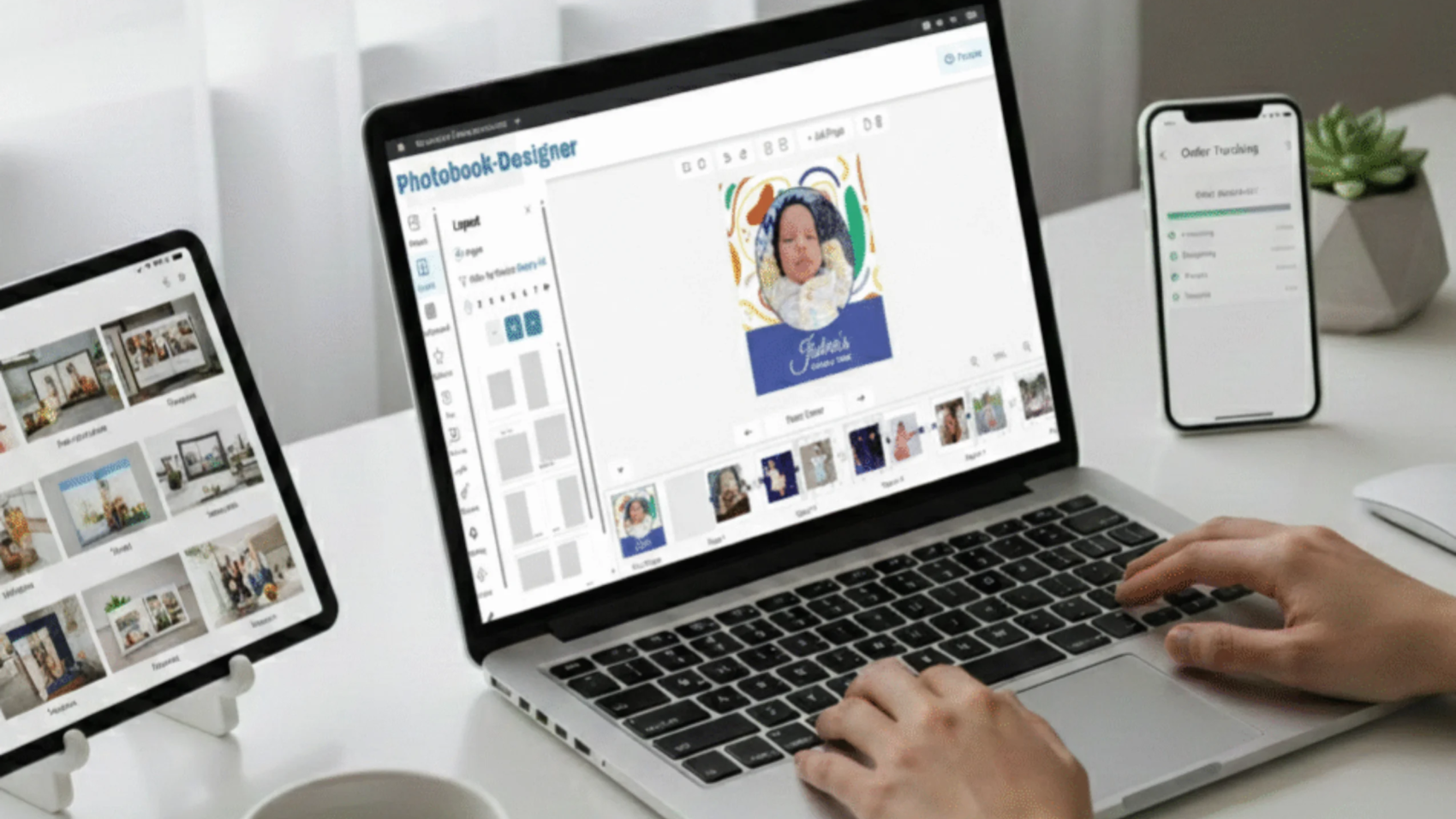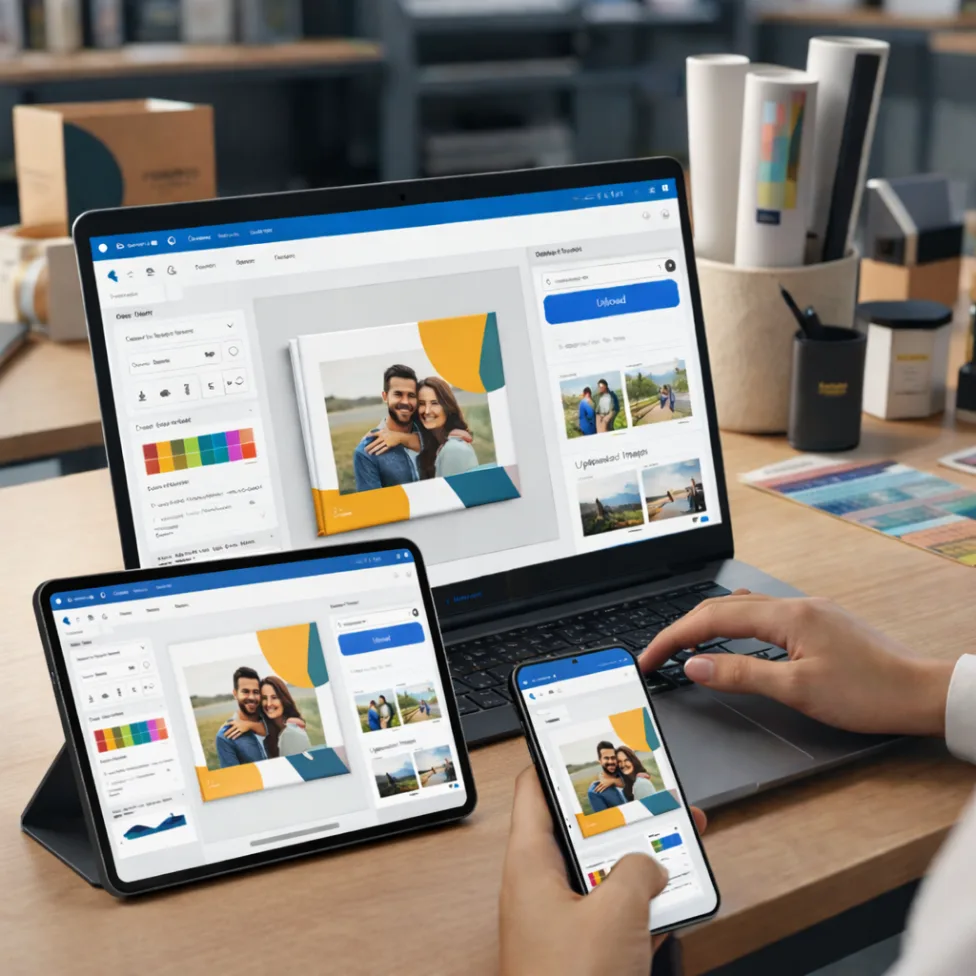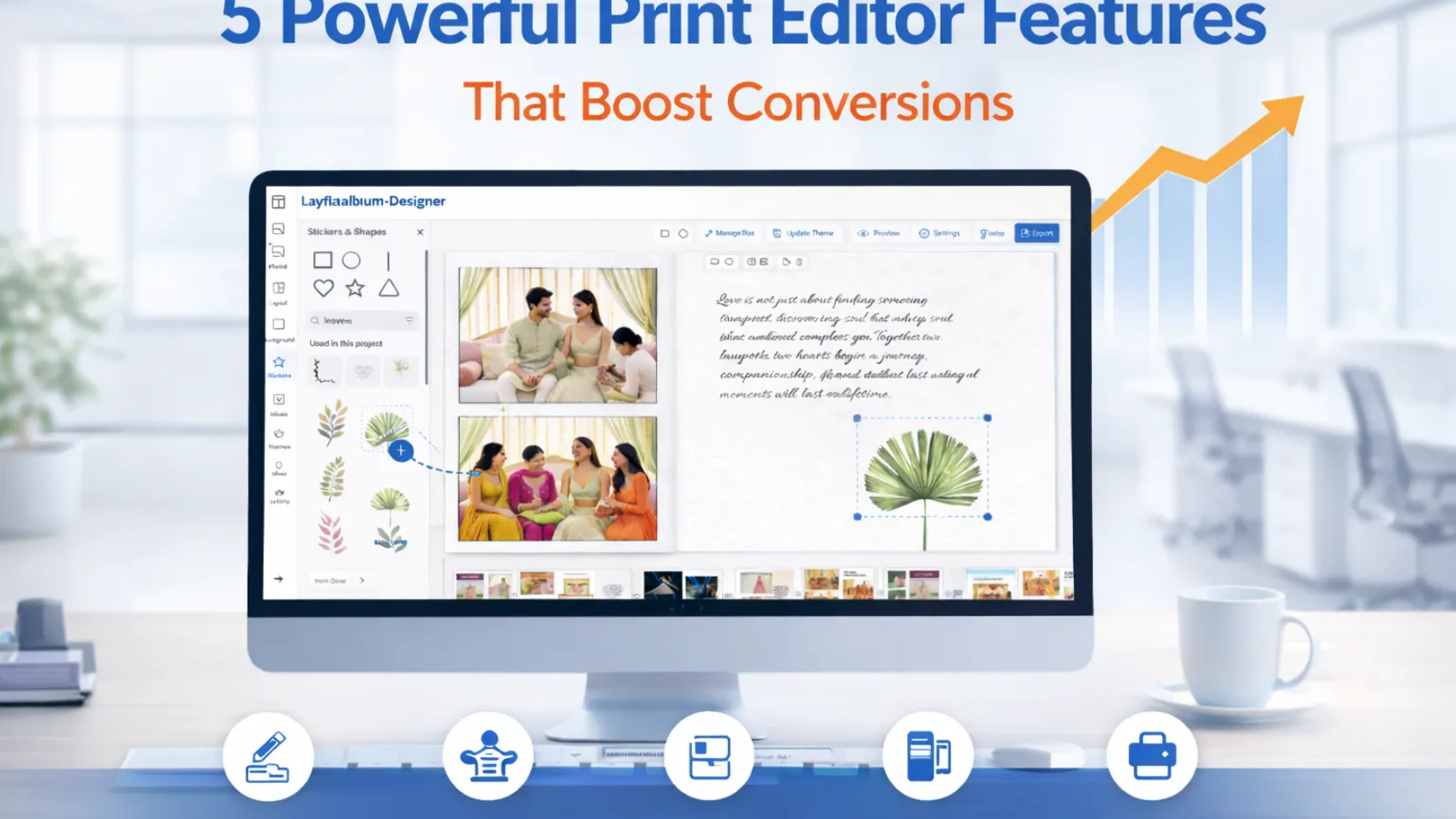
Print editor features play a crucial role in shaping the customer experience in modern web-to-print platforms. In today’s competitive web-to-print industry, having an online print editor is no longer optional. Customers expect a seamless and intuitive design experience when ordering customized print products.
However, powerful print editor features are not defined by the number of tools available. Instead, the right print editor features focus on simplifying design and improving customer experience.
Modern print businesses are adopting advanced web-to-print solutions like PrintPoz to give customers the ability to design products instantly, preview results, and place orders with confidence.
The right print editor does more than help customers design. It transforms the entire print ordering workflow.
Why Print Editor Features Matter for Print Businesses
The right print editor features help print businesses simplify design, reduce manual work, and improve the overall ordering experience for customers.
A poorly designed editor can slow down customers and create frustration. On the other hand, a well-built editor simplifies the process and increases order completion rates.
When customers can design products easily, they are more likely to complete the purchase. This leads to:
- Faster order placement
- Reduced design errors
- Improved customer satisfaction
- Higher conversion rates
Solutions like QuickOrders help streamline ordering processes while powerful editors enhance the design experience.
5 Powerful Print Editor Features That Improve Customer Experience
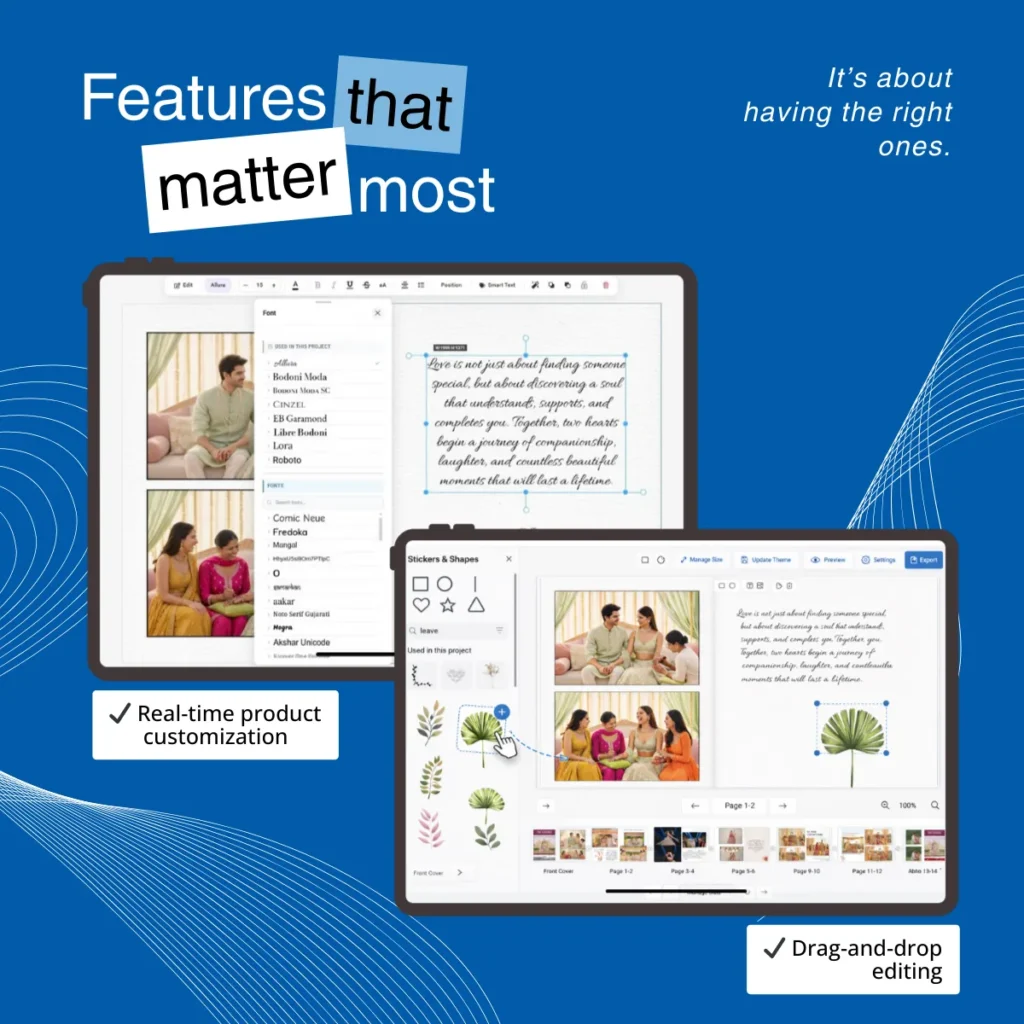
1. Real-Time Product Customization
Real-time customization allows customers to instantly modify their designs.
They can change text, colors, images, and layout elements while immediately seeing the result on the screen.
This eliminates uncertainty and gives customers confidence before placing their order.
2. Drag-and-Drop Editing
Drag-and-drop functionality simplifies the design process for non-designers.
Customers can easily move images, shapes, or design elements around the canvas without needing professional design skills.
This intuitive experience makes print customization accessible to everyone.
3. Pre-Designed Templates
Templates play a critical role in speeding up the design process.
Instead of starting from scratch, customers can choose from professionally designed layouts and customize them according to their needs.
Templates are particularly useful for products like:
- Business cards
- Wedding albums
- Marketing materials
Platforms such as Quick Calendar Album demonstrate how template-driven design can make product customization faster and easier.
4. Live Preview Before Checkout
One of the most important features of a modern print editor is the live preview option.
Customers can see exactly how their final printed product will look before placing the order.
This helps reduce mistakes and minimizes reprints caused by design errors.
5. Print-Ready Export Files
A powerful print editor automatically generates print-ready output files.
This feature ensures the final design meets printing specifications, reducing manual adjustments for the production team.
Tools like PDF Imposer further automate the print preparation process, allowing businesses to handle production efficiently.
How the Right Print Editor Improves Print Workflows
When customers can design, preview, and order products in minutes, the benefits extend beyond the customer experience.
Print businesses gain:
- Faster production cycles
- Reduced manual intervention
- Lower operational costs
- Increased scalability
Automation tools such as Smart Selection also help streamline image processing and workflow management for print businesses.
The Future of Web-to-Print Editors
As the printing industry continues to evolve, modern print editor features are becoming smarter and more automation-driven.
Modern web-to-print platforms now integrate design editors with automated workflows, order management systems, and production tools. This allows print businesses to handle higher order volumes while maintaining accuracy and efficiency.
By investing in powerful print editor features, businesses can not only simplify the design process but also build a scalable and future-ready print workflow.
Final Thoughts
The success of an online print platform depends heavily on the quality of its design editor.
The right print editor does more than simplify design. It enables customers to create products effortlessly while helping print businesses operate more efficiently.
By combining features like real-time customization, drag-and-drop editing, templates, live previews, and print-ready exports, print companies can deliver a modern and engaging ordering experience.
In today’s digital printing landscape, investing in the right print editor is not just a feature upgrade – it’s a strategic move toward better customer experience and scalable print workflows.