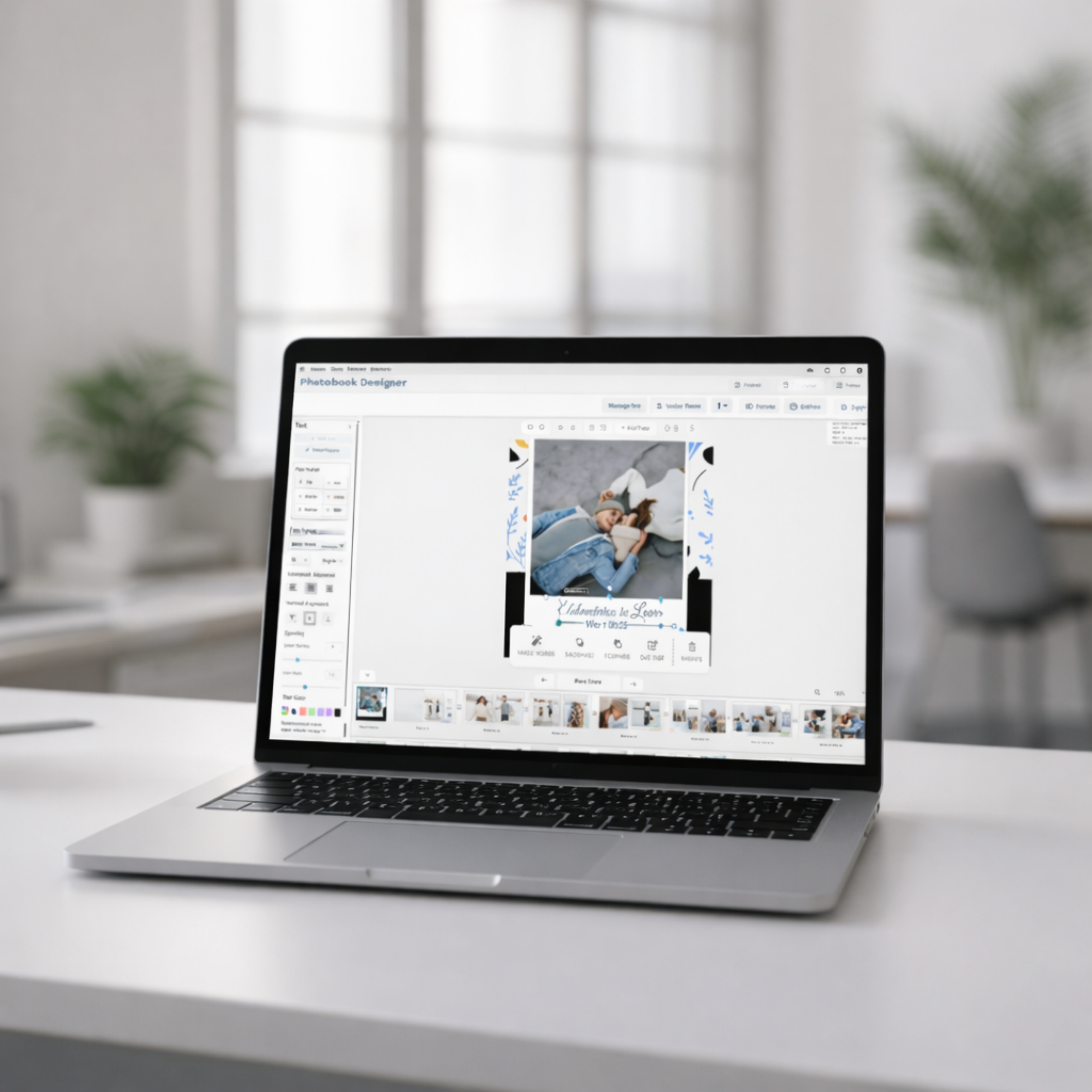
A user-friendly print editor helps non-designers create clean designs easily. It reduces errors and improves order completion rates.
Most print customers are not designers. They do not want advanced tools or technical controls. Instead, they want their prints to look clean and well-designed.
For this reason, a user-friendly print editor makes the design process simple for non-designers. It removes confusion and helps customers move step by step.
However, print companies often struggle with one question. How do you offer design options without making the process difficult?
The answer is simple. Focus on clarity, guidance, and confidence.
Why Ease of Use Matters More Than Features
Many design tools are made for experts. They include features that everyday users do not need. As a result, these tools can feel too hard.
In fact, most customers prefer a guided and simple experience. They want to know exactly what to do at every step.
A user-friendly print editor removes extra steps and confusion. Instead of technical controls, it offers clear actions and easy choices.
Because of this, customers feel more confident. As a result, they complete their orders faster.
A Clear Starting Point Makes All the Difference
Starting with a blank page can feel stressful. This is mainly true for business customers who want quick results.
For this reason, ready-made templates are very important. They give users a clear starting point.
Instead of designing from scratch, customers can:
- Replace images
- Edit text
- Adjust basic elements
As a result, they save time and avoid mistakes.
Real-Time Preview Builds Customer Confidence

Non-designers often worry about the final result. If they are unsure, they may delay placing an order.
Therefore, a good print editor should show changes right away. Every update should appear instantly.
This helps to:
- Reduce mistakes
- Lower revision requests
- Speed up approvals
- Build trust
Because customers can see exactly what they are creating, they feel confident moving forward.
A Clean Interface Reduces Friction
An easy-to-use layout makes a big difference. When tools are simple and clear, customers focus on designing instead of learning the system.
For example, a user-friendly print editor should focus on simple design instead of advanced settings.
A well-designed editor should include:
- Drag-and-drop features
- Clear tool placement
- Minimal distractions
- Simple menu
As a result, the design process becomes smooth and enjoyable.
Print companies can deliver this experience through a modern self-design print editor built specifically for customer self-service.
Guided Workflows Help Customers Finish Faster
Non-designers need direction, not just tools.
For example, a simple workflow like this:
Choose product → Customize → Preview → Order
helps customers understand the next step.
Because of this, confusion decreases. As a result, conversions increase.
In addition, some print companies use order management tools like QuickOrders to make the process even smoother.
Business Benefits of a User-Friendly Print Editor
When the design process is simple, companies benefit too.
By using a user-friendly print editor, print companies can improve speed and customer satisfaction.
As a result, they experience:
- Fewer support requests
- Less back-and-forth communication
- Better order accuracy
- Faster production
- Higher customer retention
Therefore, simple design directly supports company growth.
How to Choose the Right User-Friendly Print Editor
When choosing a user-friendly print editor, print companies should focus on ease of use and performance.
For example, the editor should load quickly and work smoothly on mobile devices. In addition, it should support real-time preview.
Most of all, it should connect easily with order systems.
Because of this, companies can grow faster and provide a better customer experience.
What “User-Friendly” Really Means
A print editor is truly user-friendly when customers do not need help to use it.
They can start quickly, make changes easily, and place orders with confidence.
In today’s self-service world, simple design is no longer optional. Instead, it is essential.
In the end, a user-friendly print editor gives print companies a strong advantage in a busy market.