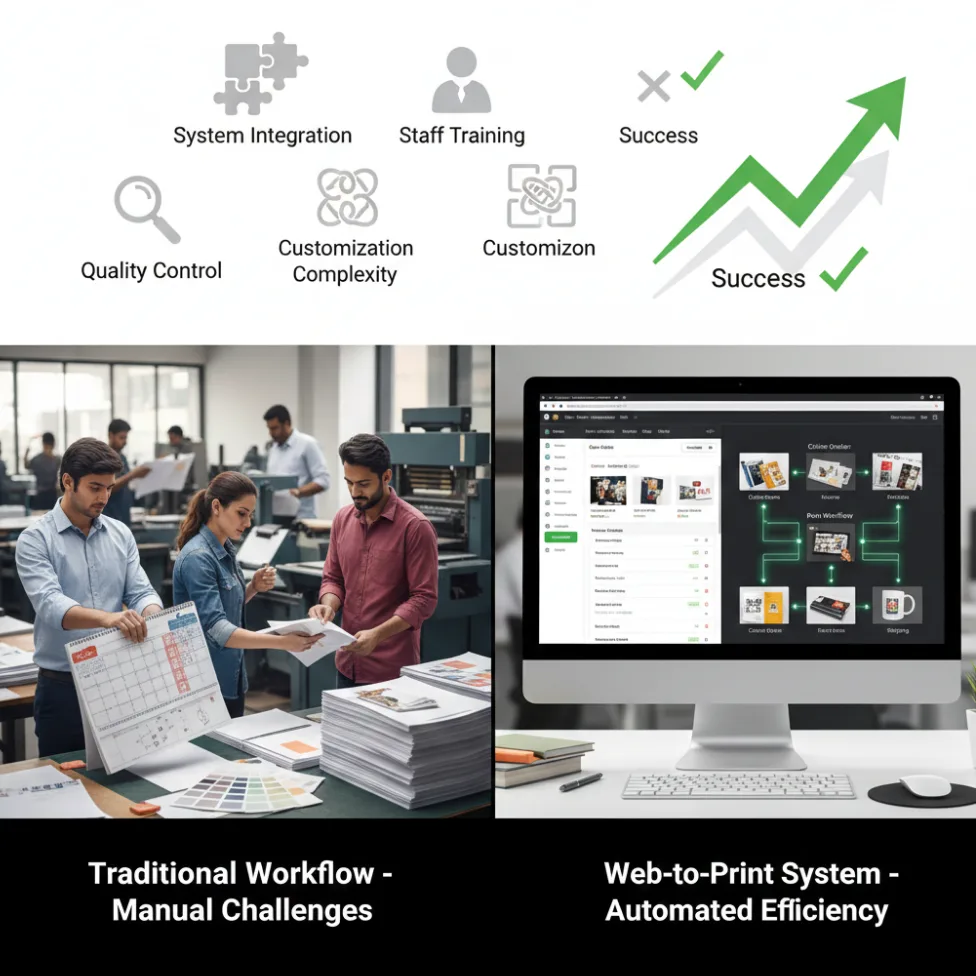
Overcoming Common Web-to-Print Implementation Challenges A Strategic Approach

Overcoming Common Web-to-Print Implementation Challenges: A Strategic Approach

Adopting a web-to-print platform unlocks enormous benefits—from workflow automation to increased order capacity and improved customer convenience. Yet, the journey from traditional printing to a fully integrated online solution isn’t without obstacles. For web-to-print business owners, print shop managers, or anyone considering a digital transformation, understanding and overcoming common hurdles is essential for success.

The Most Common Implementation Challenges

1. Integration with Existing Systems

Reality check: Legacy systems, such as MIS, accounting, CRM, or manual production schedules, don’t always “play nice” with new web-to-print solutions. Data silos and duplication risks can cause inefficiency and confusion if not managed early.

Example: A mid-sized print shop reported launching web-to-print but struggled with order synchronization because their production and invoicing tools weren’t connected, resulting in lost jobs and frustrated customers.

Actionable tips:

  • Choose web-to-print platforms (like PrintPoz) with proven APIs and flexible integration options.
  • Start with pilot integrations (i.e., orders and inventory) before pushing for complete system integration.
  • Schedule regular data audits during rollout.

2. Staff Training and Change Management

Reality check: Automation triggers worry about job security and resistance to change. Even the best software will fail if staff lack training or buy-in.

Example: A survey in 2025 found that 65% of print businesses cited staff resistance as a top reason for slow technology adoption.

Actionable tips:

  • Involve key staff early—ask for input on workflow changes and feature needs.
  • Provide hands-on training, tutorials, and ongoing support.
  • Show real benefits (reduced repetitive tasks, faster order processing) to boost enthusiasm.

3. Managing Customization Complexity

Reality check: Web-to-print unlocks limitless customization, which is great for customers, but can overwhelm production teams if not streamlined.

Example: Businesses offering too many product variations (+50 templates, unlimited SKUs) experienced bottlenecks in artwork approval and increased errors.

Actionable tips:

  • Start with a curated selection of the most popular customizable products.
  • Use automation for proofing, file pre-flight, and template management.
  • Leverage PrintPoz’s design tools for error checking and preset options to control customization scope.

4. Cost Overruns and Underestimated Resources

Reality check: Underestimating costs for system setup, integration, training, and ongoing support can threaten project ROI.

Example: A US print franchise underestimated its migration budget by 40% and delayed rollout by six months due to hidden costs in legacy data cleanup and third-party software connections.

Actionable tips:

  • Prepare a detailed implementation roadmap, including all anticipated costs and timelines.
  • Use phased rollouts to validate processes before scaling fully.
  • Budget for post-launch support.

5. Quality Control and Consistency

Reality check: Moving from manual to automated ordering introduces variability in data entry, artwork uploads, and proofing. If not managed, this can impact print quality.

Example: A European printer suffered a spike in reprints after web-to-print launch due to lax file standards and untested templates—cutting into margins.

Actionable tips:

  • Enforce standardized artwork upload specs and automated file checks (resolution, bleed, color).
  • Use digital proofs and real-time review tools.
  • Establish routine QA audits, especially post-launch.

6. Customer Adoption and Usability

Reality check: Even the slickest platform can flop if customers find it confusing, slow, or unintuitive.

Example: Poor onboarding resources led to 30% higher cart abandonment for a major online print provider.

Actionable tips:

  • Choose a web-to-print supplier focused on user experience—PrintPoz offers live previews and help guides.
  • Provide quick-start videos and FAQs.
  • Gather feedback and iterate on your interface for continuous improvement.

Practical Implementation Strategy

  1. Assessment & Planning
    • Map current workflows and pinpoint inefficiencies.
    • Set clear, measurable implementation goals.
    • Identify key team members for a cross-functional “adoption team.”
  2. Set Up & Integration (Pilot Phase)
    • Launch with core products and limited automation to test workflows.
    • Integrate web-to-print orders with inventory and production tracking.
    • Solicit team and customer feedback before full deployment.
  3. Full-Scale Rollout & Monitoring
    • Expand automation to cover artwork approval, proofing, shipping notifications, and CRM.
    • Monitor KPIs such as order turnaround, error rates, and customer satisfaction.
    • Adjust processes and automate more tasks as the team and customers adapt.
  4. Ongoing Optimization
    • Schedule training refreshers and advanced feature workshops.
    • Regularly update products, templates, and integrations based on analytics and feedback.
    • Use PrintPoz analytics to uncover further automation opportunities.

Key Takeaways and Success Checklist

  • Prioritize robust integration and start small—complexity grows over time, but doesn’t need to overwhelm day one.
  • Invest in training and bring your team into the journey.
  • Leverage automation, but maintain quality checks.
  • Simplify the customer experience for higher platform adoption.

PrintPoz’s order management, design automation, and workflow tracking help print businesses overcome the common hurdles of digital transformation. From template-driven customization to quality control and detailed analytics, our platform simplifies every stage.


Primary keyword: web-to-print implementation challenges

Meta title: Web-to-Print Implementation Challenges & Solutions 2025

Meta description: Discover how to solve web-to-print implementation challenges with practical strategies and tools. Overcome integration, training, and ROI risks in 2025.

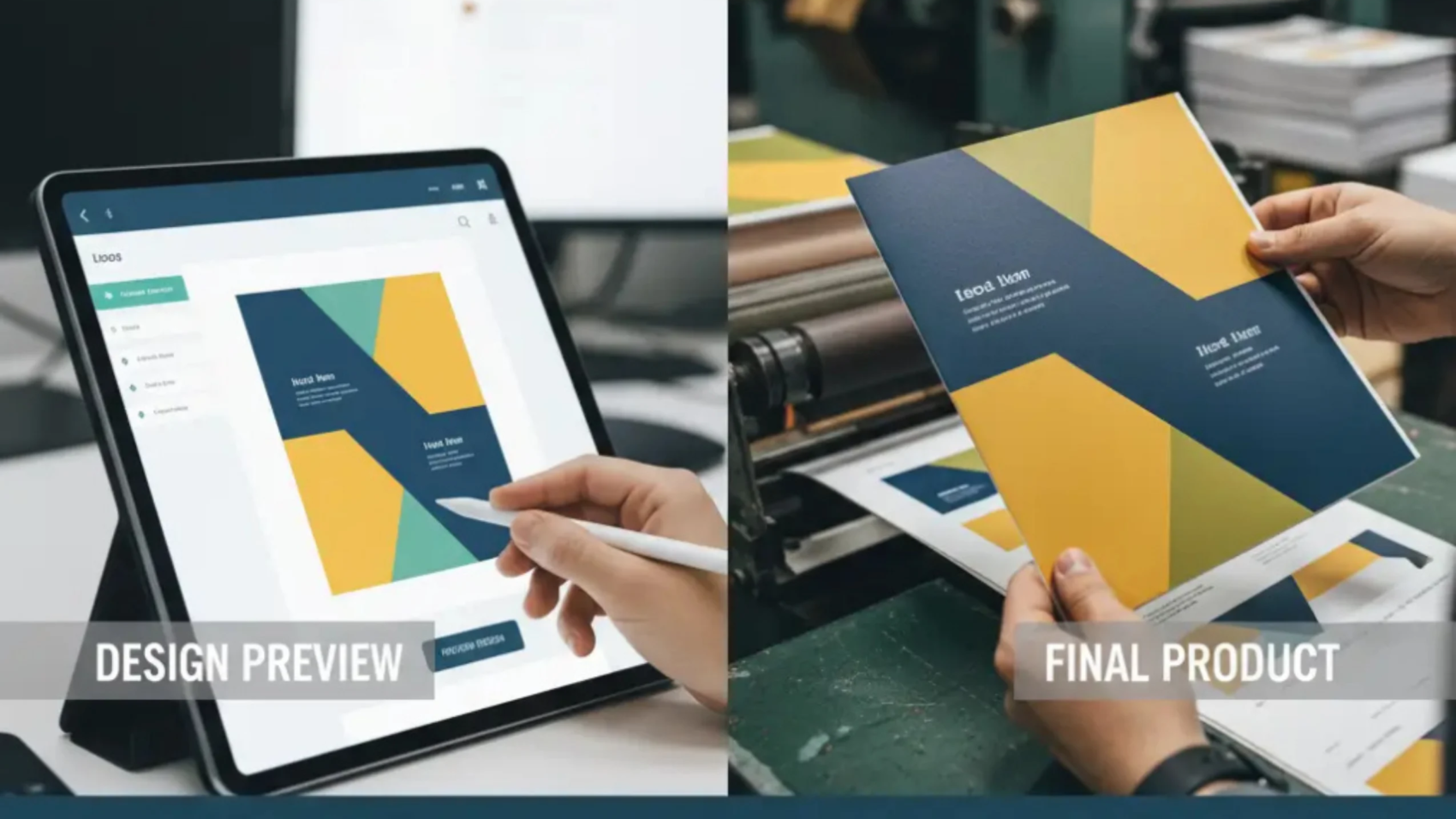
Building Customer Trust in Web-to-Print From Design Preview to Final Product (2)

Building Customer Trust in Web-to-Print: From Design Preview to Final Product

Trust is the foundation of every successful web-to-print business. As online print shops and custom product sellers compete in a crowded digital marketplace, one thing sets the winners apart: the confidence they inspire in their customers. From the first design preview to the delivery of a flawless final product, every experience must reassure buyers that what they see is exactly what they’ll get.

Here’s how web-to-print business owners and managers can systematically build and maintain customer trust throughout the print journey in 2025.


Why Trust Matters So Much in Printing

  • Unlike off-the-shelf products, custom prints are highly personal—mistakes mean disappointment, lost time, and ruined loyalty.
  • 82% of online shoppers say they won’t reorder after a bad custom product experience, even if the mistake gets fixed later.
  • Positive trust triggers (accurate previews, clear communication, secure payment, quality delivery) drive reviews, referrals, and long-term value.

Trust-Builders Every Great Print Business Needs

1. Accurate, Live Design Previews

Show customers a high-fidelity, to-scale preview (2D or 3D) of their design—on the actual product, in correct colors, and perspectives. Let them rotate, zoom, or view side-by-side with real photos.

Example: PrintPoz’s live designer not only renders accurate previews but flags low-quality images, out-of-bounds text, or sizing errors before checkout.

2. Transparent Proofing and Approval

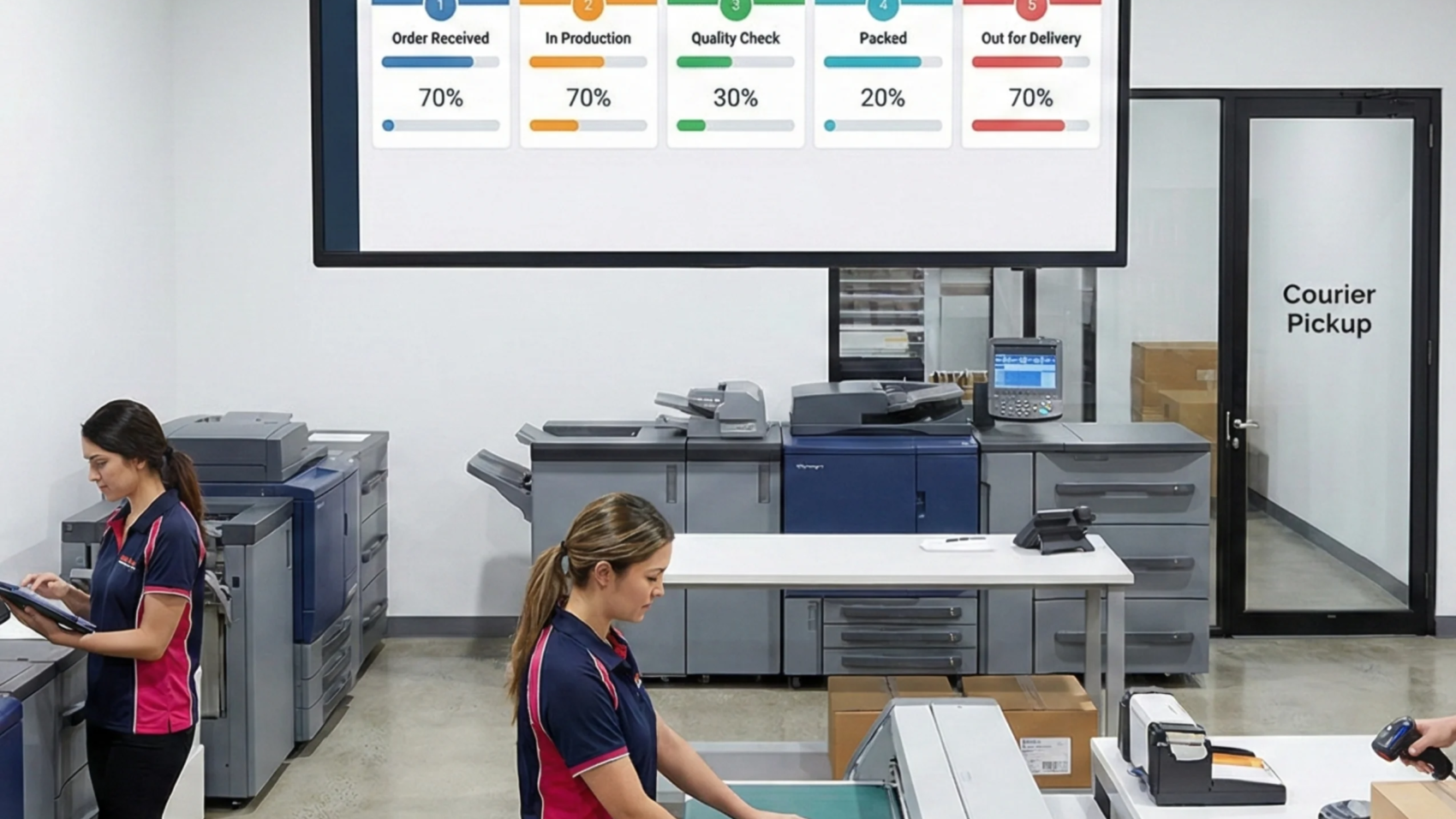
Enable easy proof download, one-click digital approvals, and saved design histories. Notify customers at each step—file received, proof ready, approval needed, order in production.

Tip: Automated, timestamped communications show you’re organized and professional.

3. Clear Production and Shipping Updates

Send proactive status emails or SMS:

  • “Your custom mug is being printed.”
  • “Orders shipped—track here”
  • “Expect delivery by TOMORROW”

Research: Businesses with automated, transparent notifications see 27% fewer “where’s my order?” queries.

4. Consistency Between Screen and Product

Use color-calibrated screens, print profile management, and quality control workflows. Address common customer worries (“Will the colors match?”) with education or guarantee policies.

Offer side-by-side examples or video confirmations—showing digital design beside the finished piece.

5. Secure, Hassle-Free Payments

Trust isn’t just about the product. Secure payment gateways, easy refunds, and data privacy options reduce last-minute cart abandonment.


Handling Issues With Transparency

Mistakes happen—even in the best-run shops. Customers will trust you more if you:

  • Respond quickly and honestly (“We see the issue, here’s how we’ll fix it.”)
  • Offer proactive solutions (free reprint, refund, or discount)
  • Collect and share success stories or testimonials from customers whose problems were resolved to their satisfaction.

Trust-Boosting PrintPoz Features

  • Design-to-product preview: Live 3D and high-res 2D product mockups
  • Automated proofing and approval workflows: Instant feedback and order status flows
  • Order tracking: Always up-to-date, customer-facing dashboards
  • Quality assurance: Built-in image validation, color profile enforcement, and customer communication queue

See PrintPoz’s workflow in action—designed from the ground up for transparency, predictability, and customer confidence.


Tips for Building (and Keeping) Customer Trust

  • Regularly review and update your onboarding, proofing, and communication workflow.s
  • Display “what you see is what you get” assurances, certificates (if any), and trusted payment badges.
  • Showcase unfiltered customer reviews and visual testimonials directly on the product page.s
  • Encourage feedback after every order—then act on it to keep improving.ng

Conclusion: Trust—Your Greatest Print Business Asset

No level of automation, product variety, or even price can match the business power of trust. As you scale your print shop or online platform, keep customer confidence at the heart of every step—from the first preview to the moment your product lands in their hands. Loyal, trusting customers are the ones who return and refer, fueling your long-term success.